DIY renovation, step by step
See your room new. Then do it yourself.
A photo of your room, the look you pick on it, then the jobs in order, the shopping list counted for your room and every step. Free, in English and Spanish.

Works in your browser and on iPhone. No card, no install needed.
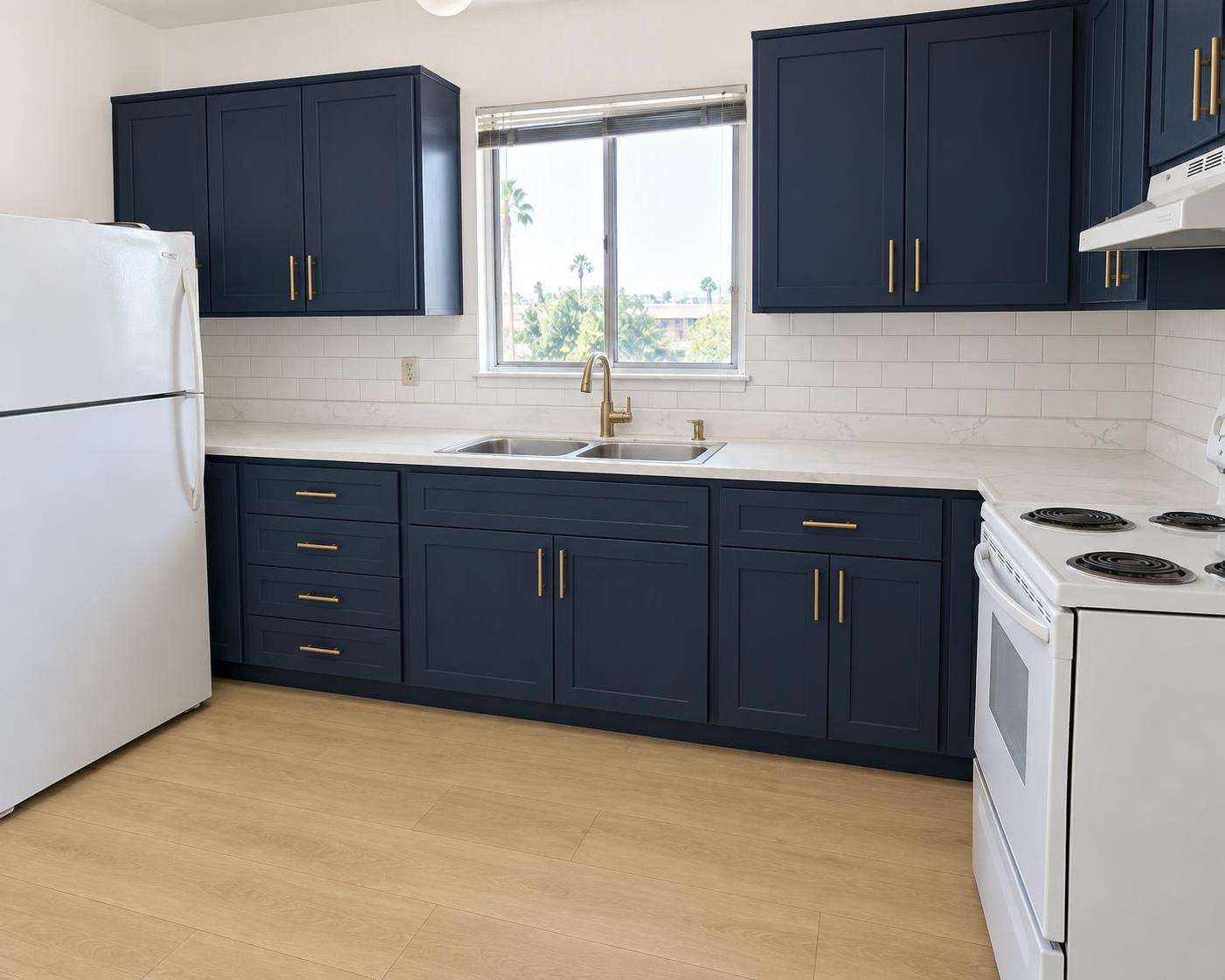
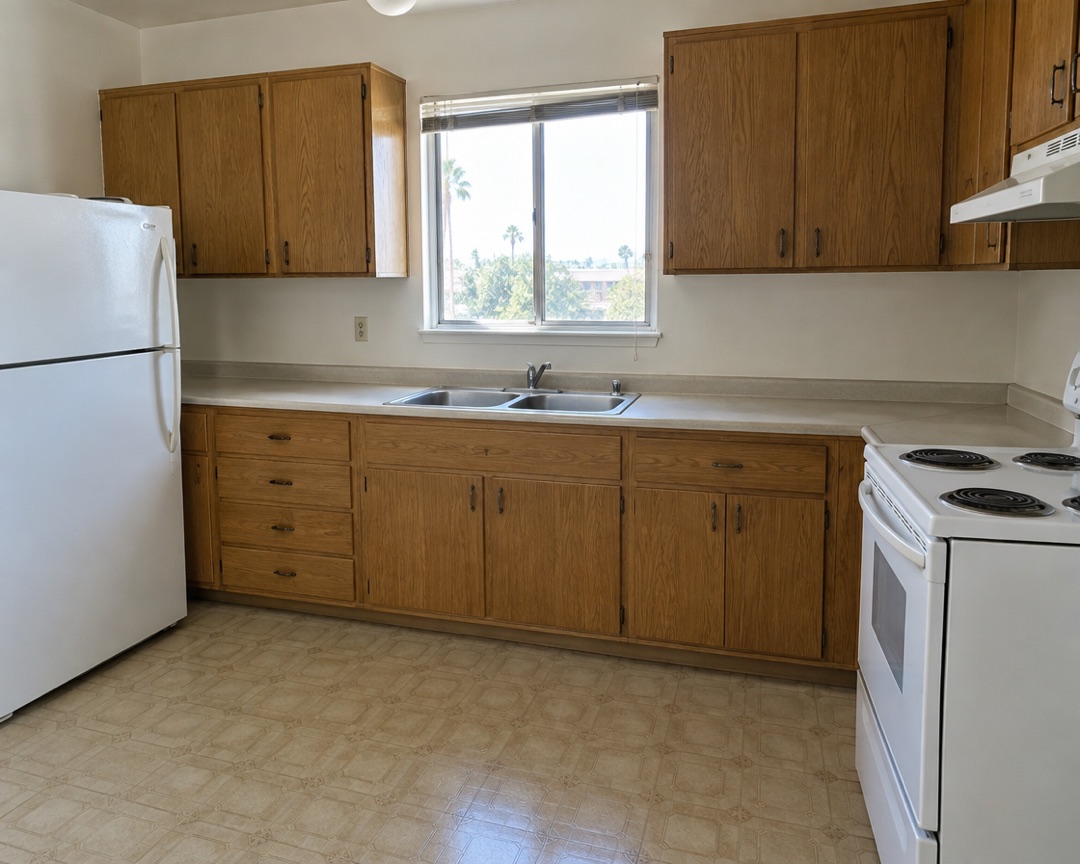
The same kitchen. Drag the handle yourself.
Any room. Same walls, same window, a different room.
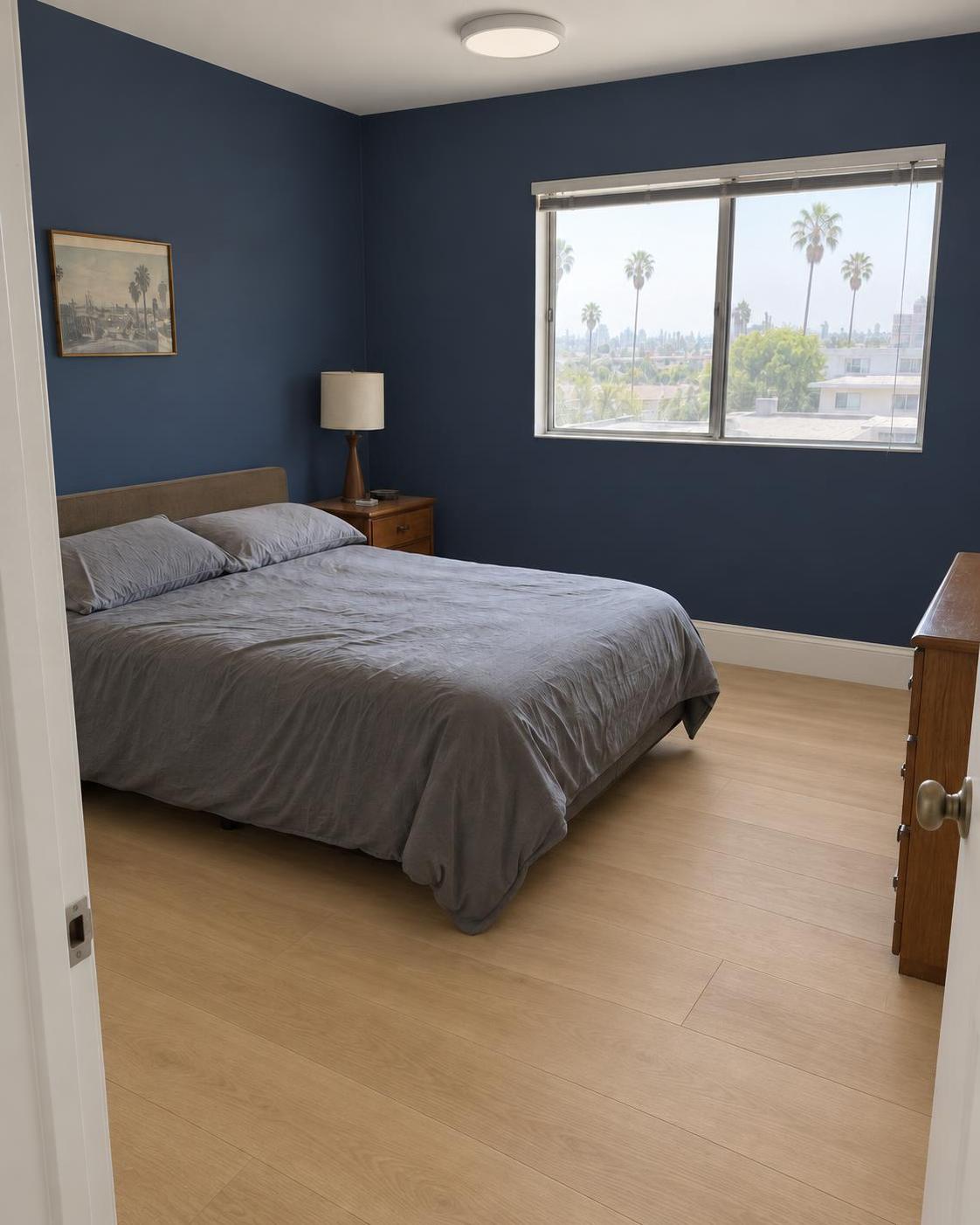
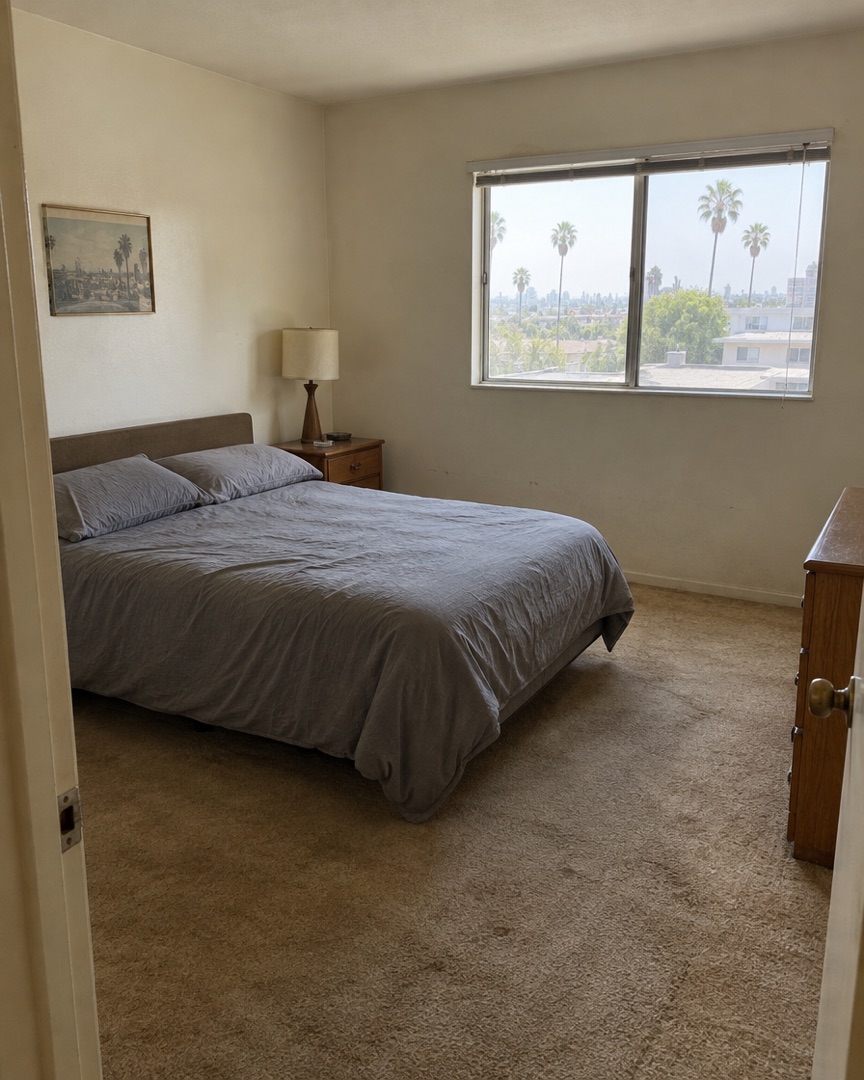
Bedroom
Whole bedroom: navy walls, light oak, white doors
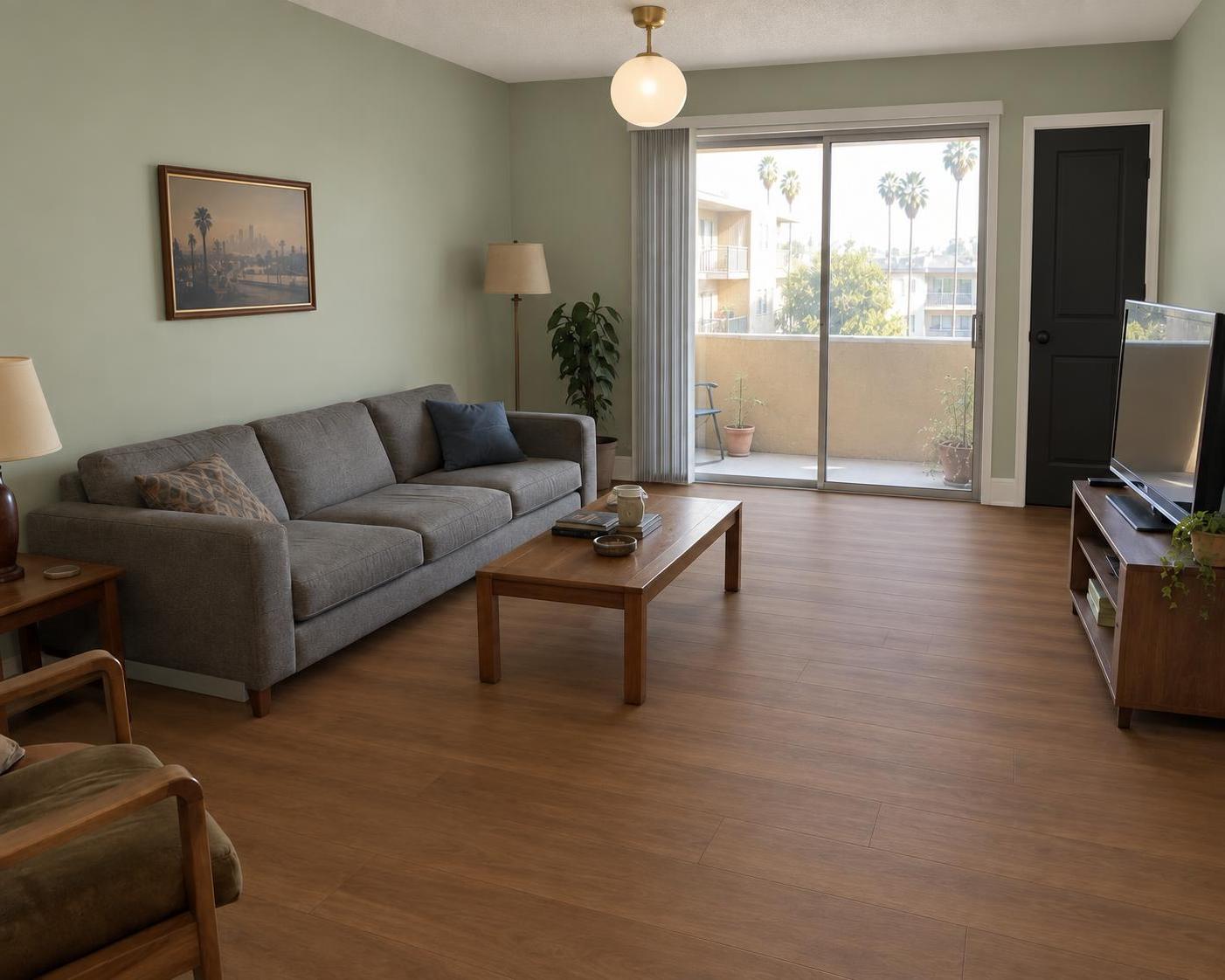
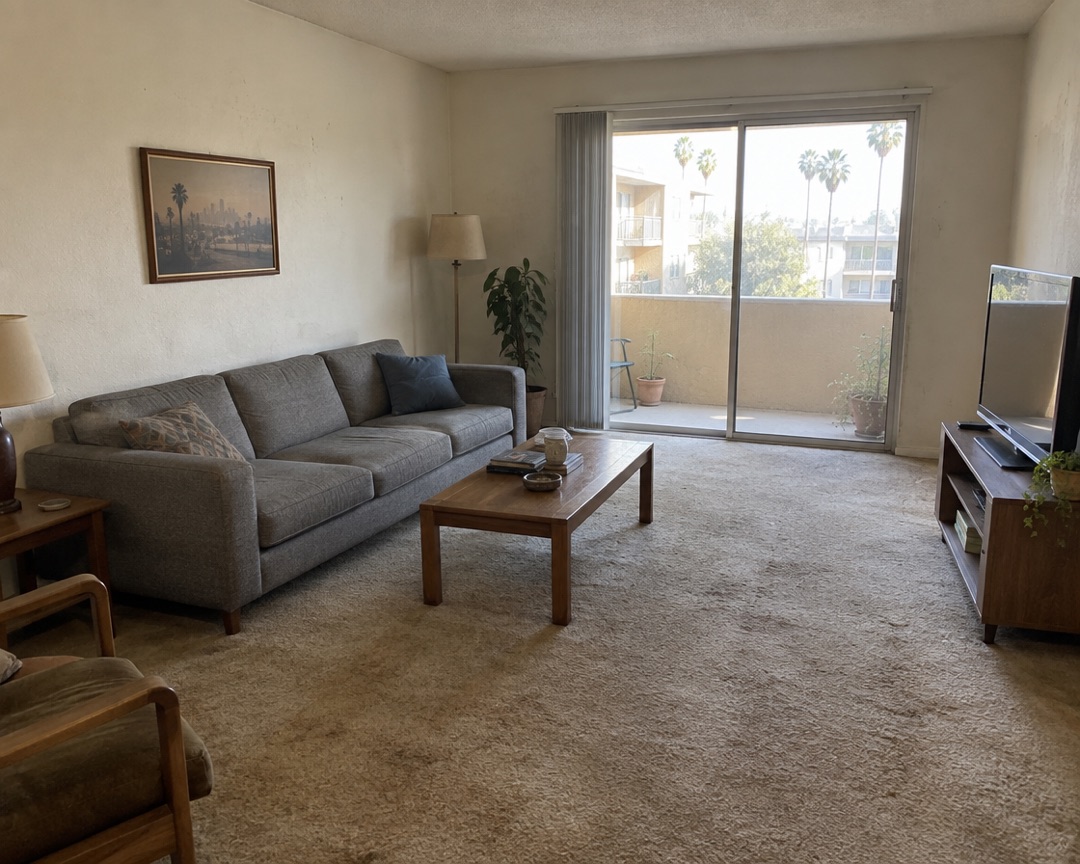
Living room
Whole living room: sage walls, walnut, black door
Kitchen
Whole kitchen: navy shaker, quartz, brass
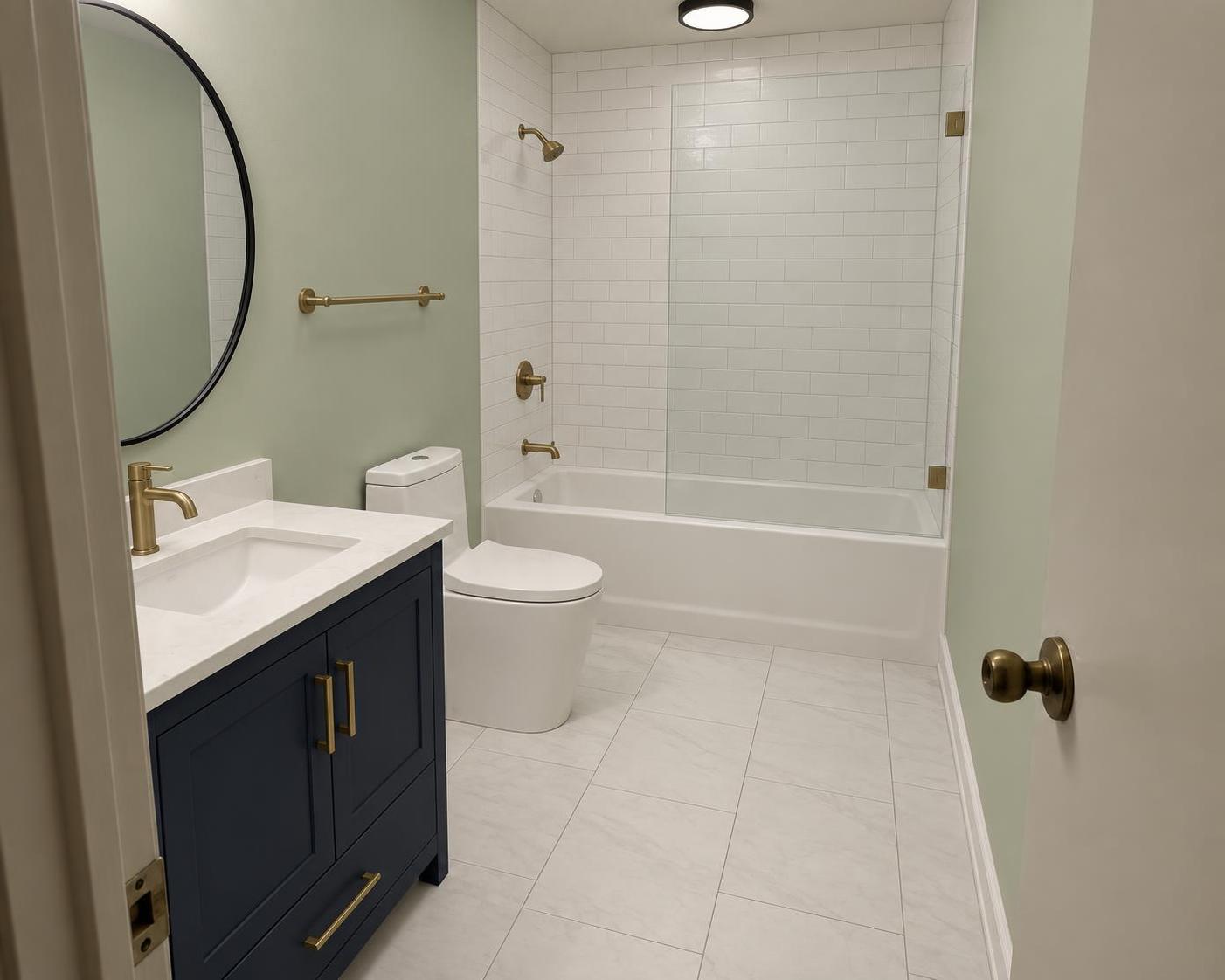
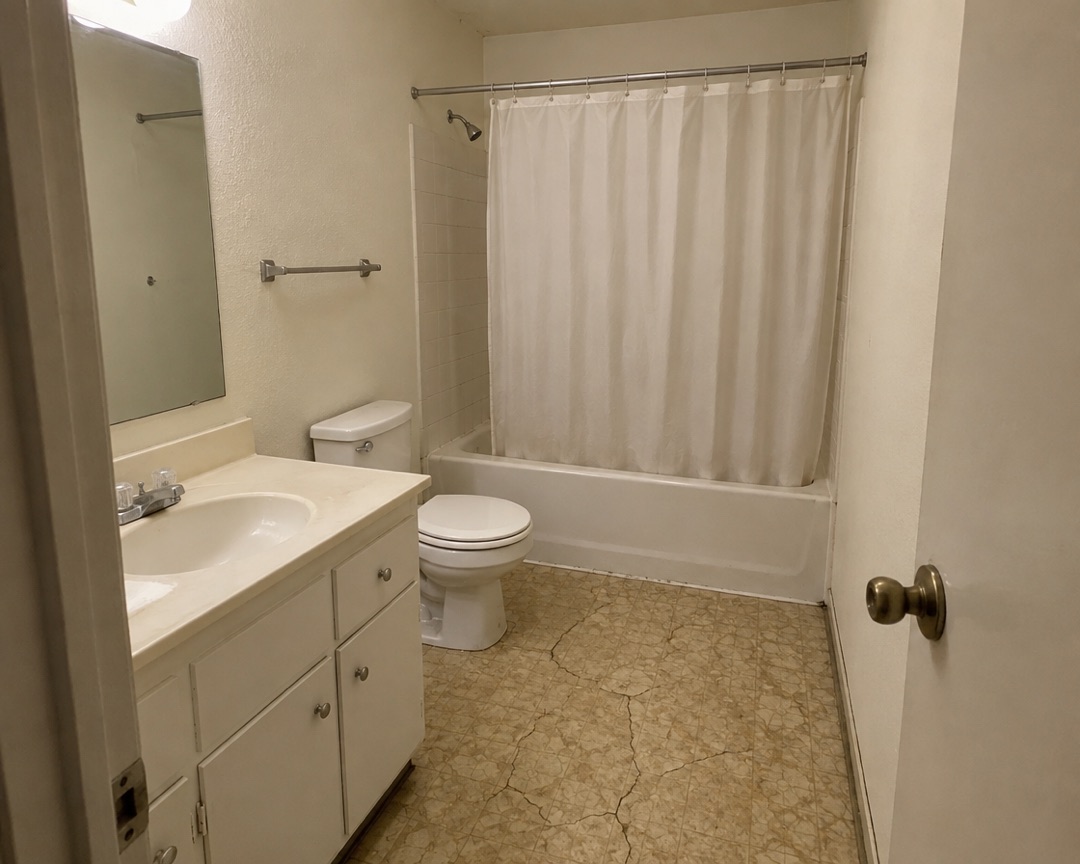
Bathroom
Whole bathroom: navy vanity, white tile, glass
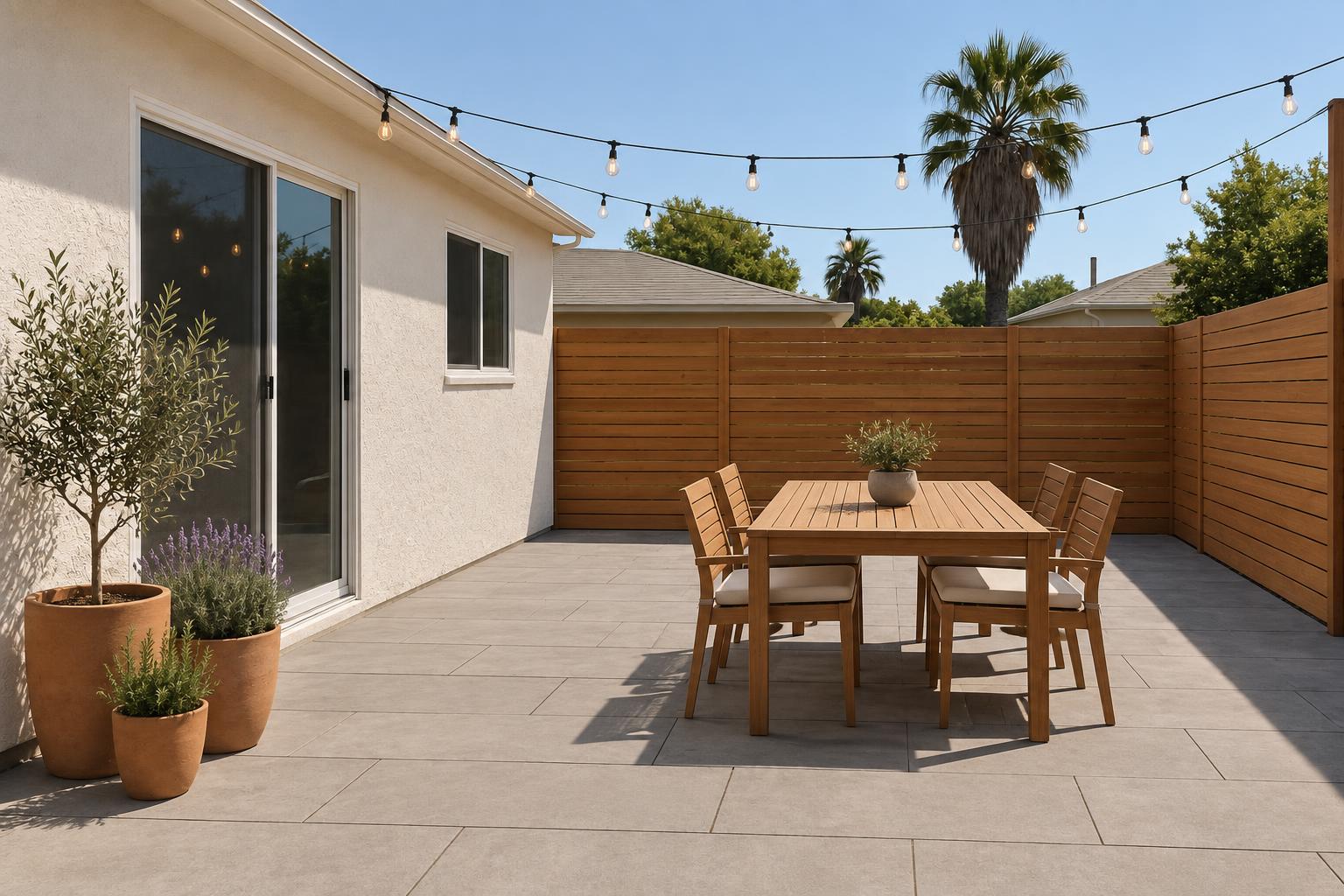
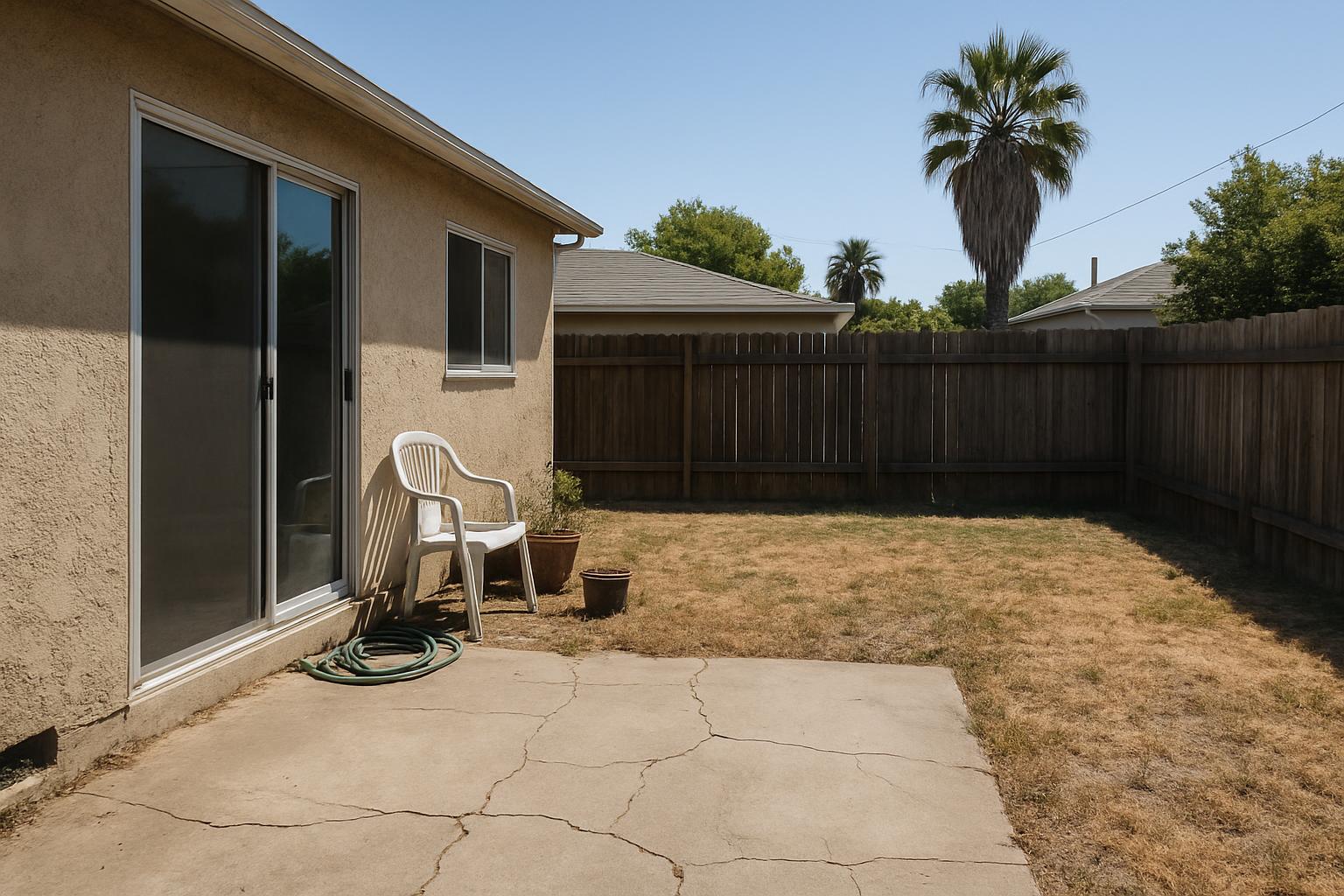
Yard
Whole yard: pavers, cedar fence, teak table, string lights
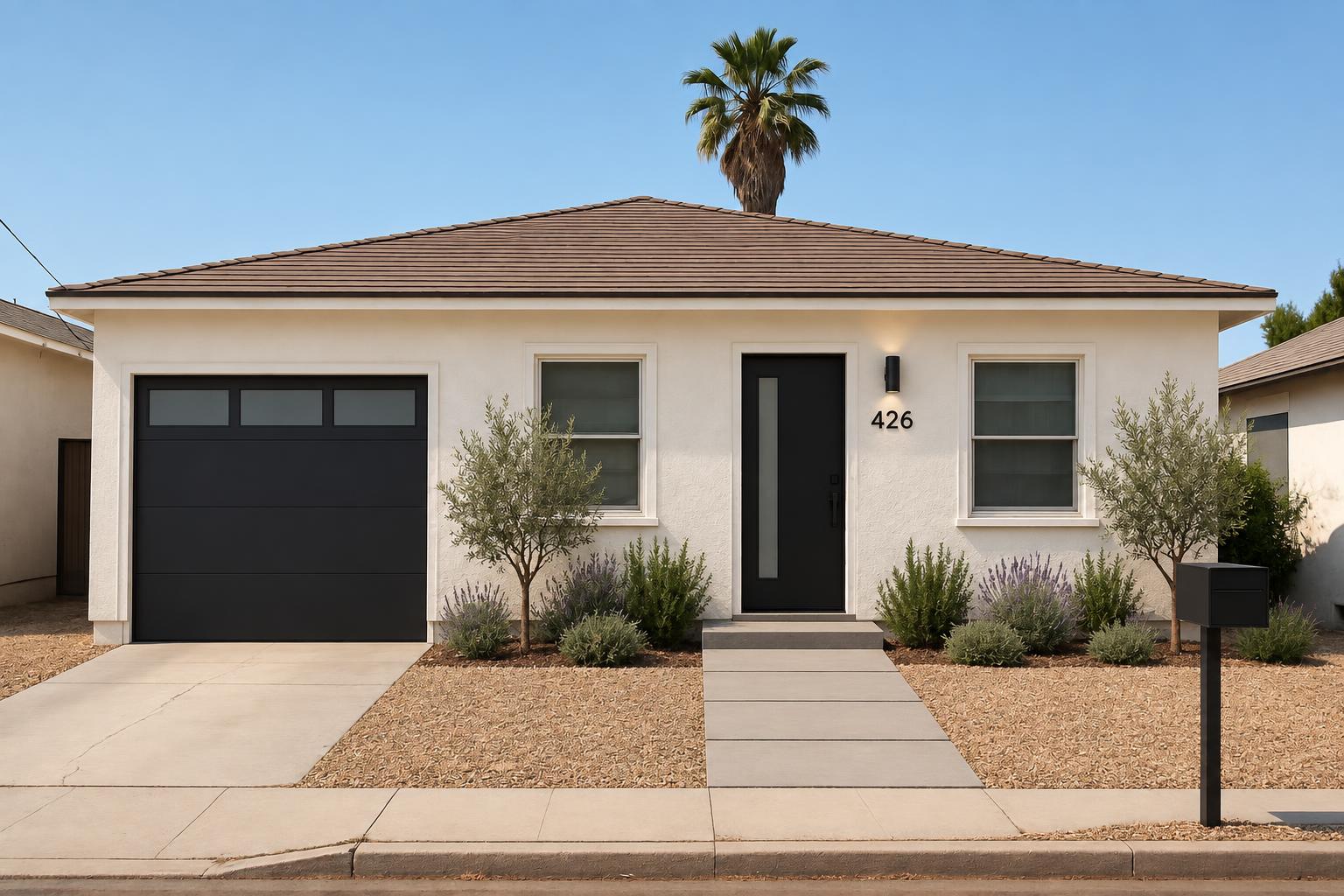
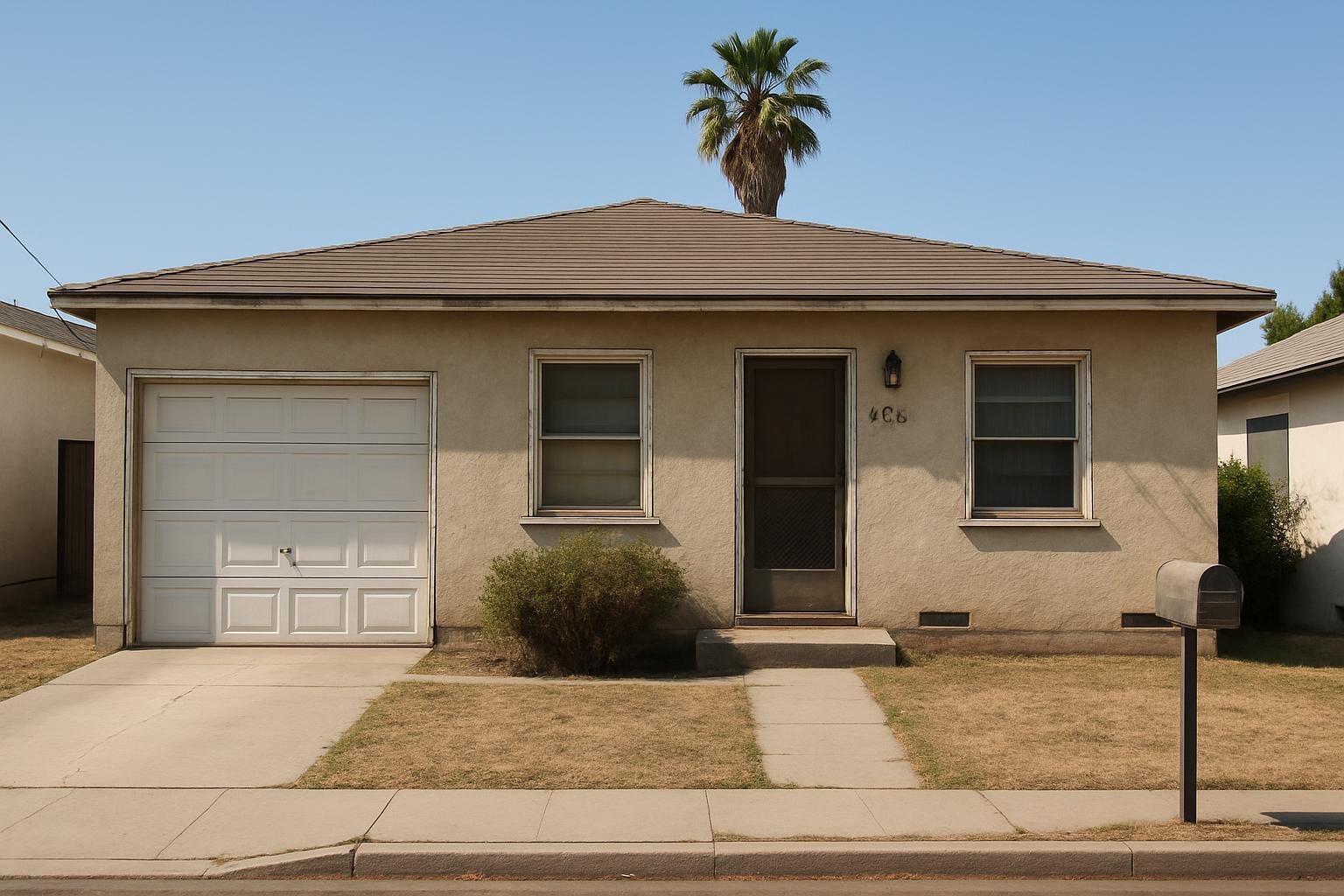
House front
Whole front: white stucco, black door, new garage door, pavers, mediterranean beds
A real plan · living room · sage walls, walnut floor, black door
$0
saved on labor
0
weekends
0
items to buy, counted
How it works
- 1
Photograph the room
One photo from the doorway is enough. No scan, no measuring tape yet.
- 2
Pick what changes
Floor, walls, doors, baseboards, lighting — in a kitchen the cabinets, the counter and the appliances too. Or describe what you want and get three looks.
- 3
See it on your own room
Not a catalog photo: your walls, your window, your corner, with the changes you picked. Drag to compare.
- 4
Get the plan and the list
The jobs in the right order, everything to buy counted for your room, and step-by-step guides with the stop-gates.
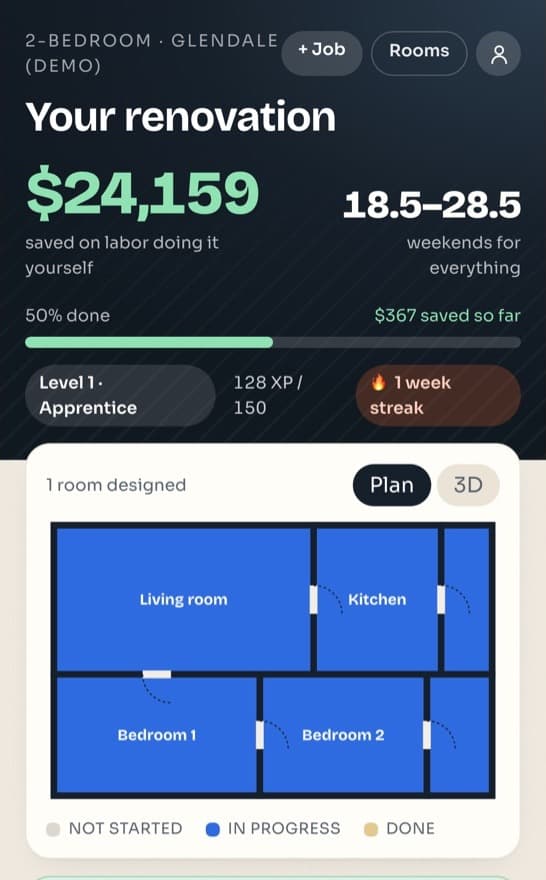
The room, in the order the work is done
Demo, walls, paint, floors, doors and trim — numbered, in the sequence pros use, with what you save by doing it yourself and how many weekends it takes.
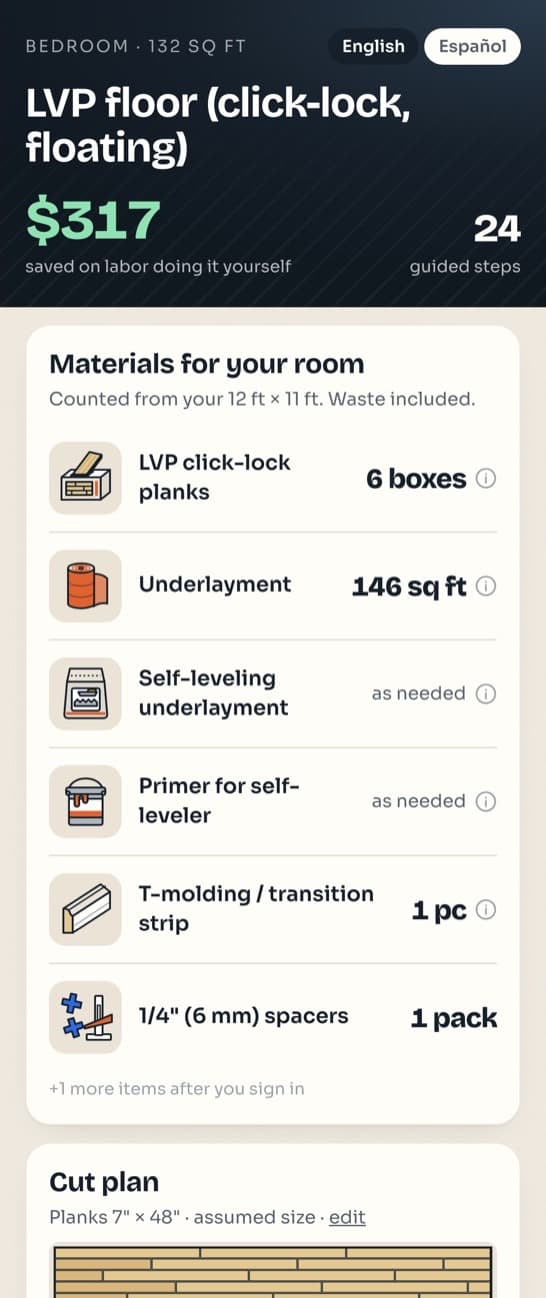
One shopping list for the whole room
Everything the room's jobs need, counted for your room with waste included, grouped by the job that needs it first. Order for the first job now; the rest can wait.
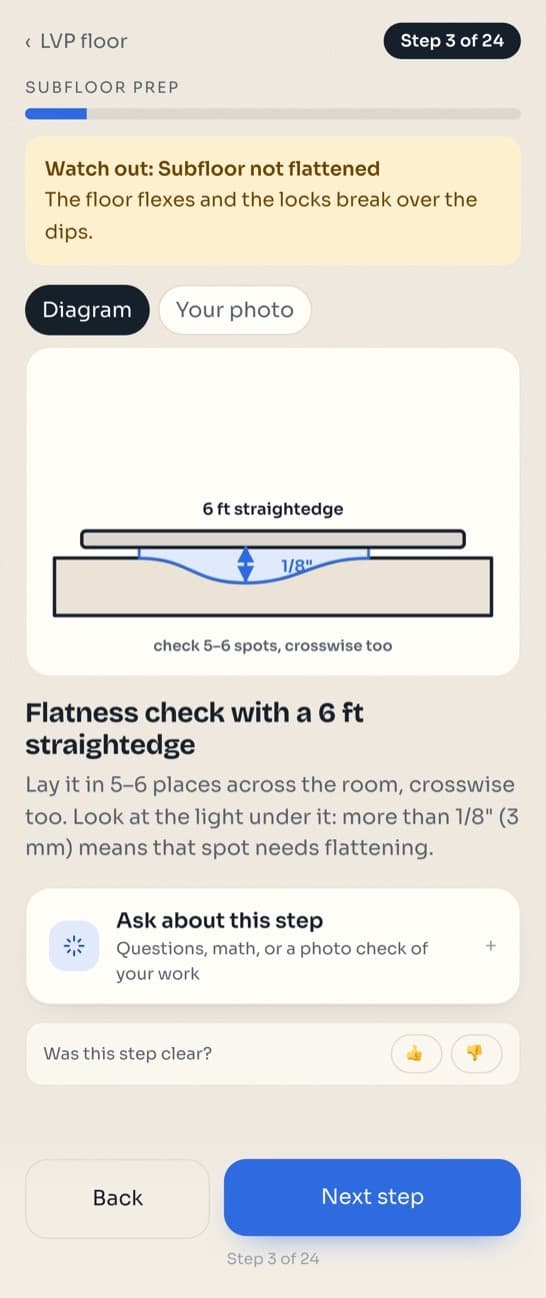
Steps you can actually follow
Every step has a diagram, many have a short clip of the move, and a checklist stops you before anything you cannot undo. Ask the helper when you get stuck.
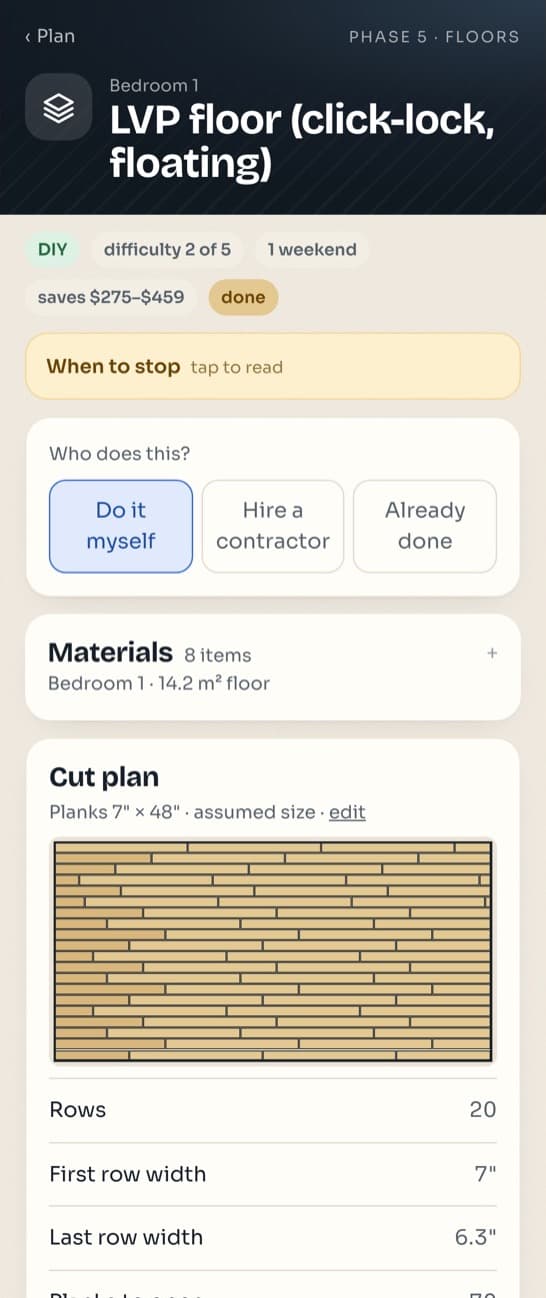
A cut plan before the first cut
For click-lock floors the app works out the rows, the first and last row width, and how many planks to open, so the last row is never a sliver.
Every step shows you the move, not just the words.
Stop-gates tell you when a job needs a licensed pro: electrical, gas, plumbing inside walls, structural. Older homes get lead-paint and asbestos warnings before anything that sands or scrapes.
96 step-by-step guides, in English and Spanish
Questions
Is the app free?
Yes. This version of Renovation is free, with no in-app purchases.
Where can I get it?
In your browser right now, and on the App Store for iPhone. Android is in testing.
Does it replace a contractor?
No. It guides cosmetic work you choose to do yourself and tells you when a job needs a licensed pro: electrical, gas, plumbing inside walls, structural work. For those it shows licensed contractors near you from the state register.
Is it in Spanish?
Yes. The whole app works in English and Spanish.
How is this different from a store's AI assistant or a video?
They give general advice. Renovation starts from your room: it shows the change on your photo, counts what to buy and shows the math, walks you through each step with a diagram and a checklist, warns you about lead paint and asbestos in older homes, and stops you when a job needs a licensed pro. It is not tied to one store, and it works fully in Spanish.